

Actualización:
Desde el 13 de julio de 2023 ya es posible utilizar Google Bard en España de forma libre y sin necesidad de VPN. El nuevo acuerdo entre Europa y EE.UU. para el tratamiento de datos personales lo ha hecho posible.
Without making as much noise as ChatGPT, Google has launched its AI language model for text generation.
It's called Google Bard and it's now possible to try it.
If you live in certain countries around the world.
If you live in other countries, such as Spain, you can't.
Well, not without a few tricks.
Actually, there is a free and fairly simple way to try it, which is what I explain in this article.
How to use Google Bard from a PC
I suggest two ways.
The easy way: paid VPN
Okay, the easiest option, if you subscribe to a VPN such as NordVPN for example (it's the one I use), is to connect to the United States and open its URL:
https://bard.google.com/?hl=en
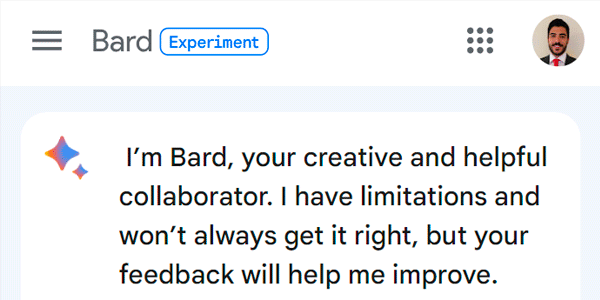
That's it:

The (slightly) more complex way: enable Opera's VPN
If we don't subscribe to any paid VPN, we'll take a detour.
#1. We install Opera
We download this browser based on Chromium from its official website.

We install it like any other application.
#2. We enable its VPN
From the menu, we go to settings:

We search for “vpn” in the search box and enable the switch:

#3. We connect to the United States
We click the VPN icon next to the URL. A window opens where we press the on/off button:

Next, we select the United States:

#4. We access it
And now we can use Google Bard by accessing the same URL as before: https://bard.google.com/?hl=en:

How to use Google Bard from a mobile phone
We have the same two options as on a PC.
Using a paid VPN
If we have a paid VPN on our phone, we connect to the United States and access Bard with any browser.
Using Opera
If we don't have a paid VPN, we follow the same steps as on a PC.
We install the browser for our mobile version from the official store:
Go into settings, enable the VPN and connect to the United States.
There you go, now you can use Google Bard from your phone:

Leave a Reply